
Giving career staff a clearer view of what participants do after resume help, workshops, training, and job-search support
Customer Type: Workforce board, career center, workforce contractor, case management team, or regional workforce agency
Audience Served: Job seekers, WIOA participants, case managers, career coaches, business services teams, program managers, and funders
Primary Challenge: Staff had limited visibility into what participants did after receiving resume help, attending workshops, completing training, or receiving job-search support
Jobflow Workflow: Participant invite → resume activity → job matching → fit and gap analysis → tailored applications → application tracking → employer matching → referrals → hiring-stage reporting
Key Outcomes: Better follow-up, clearer participant visibility, stronger case management, improved employer referral tracking, more complete outcome reporting, and higher documented employment activity
Workforce teams invest significant time helping job seekers get ready for employment.
They provide resume assistance, workshops, training programs, career coaching, job-search support, and employer referrals. But after that support is delivered, staff often have limited visibility into what happens next.
Did the participant use the resume?
Did they tailor it?
Did they search for jobs?
Which jobs did they view?
Were the jobs a good fit?
Did they apply?
Did they get an interview?
Are they still actively looking?
Do they need help following up?
For many case managers, follow-up becomes a fishing expedition.
They call, email, text, or wait for the next appointment, hoping the participant remembers what they applied to and where they are in the process. Even when participants are making progress, that activity is often happening across job boards, employer websites, state systems, emails, and personal spreadsheets that staff cannot see.
Jobflow gives workforce boards a clearer view of the entire job-search journey.
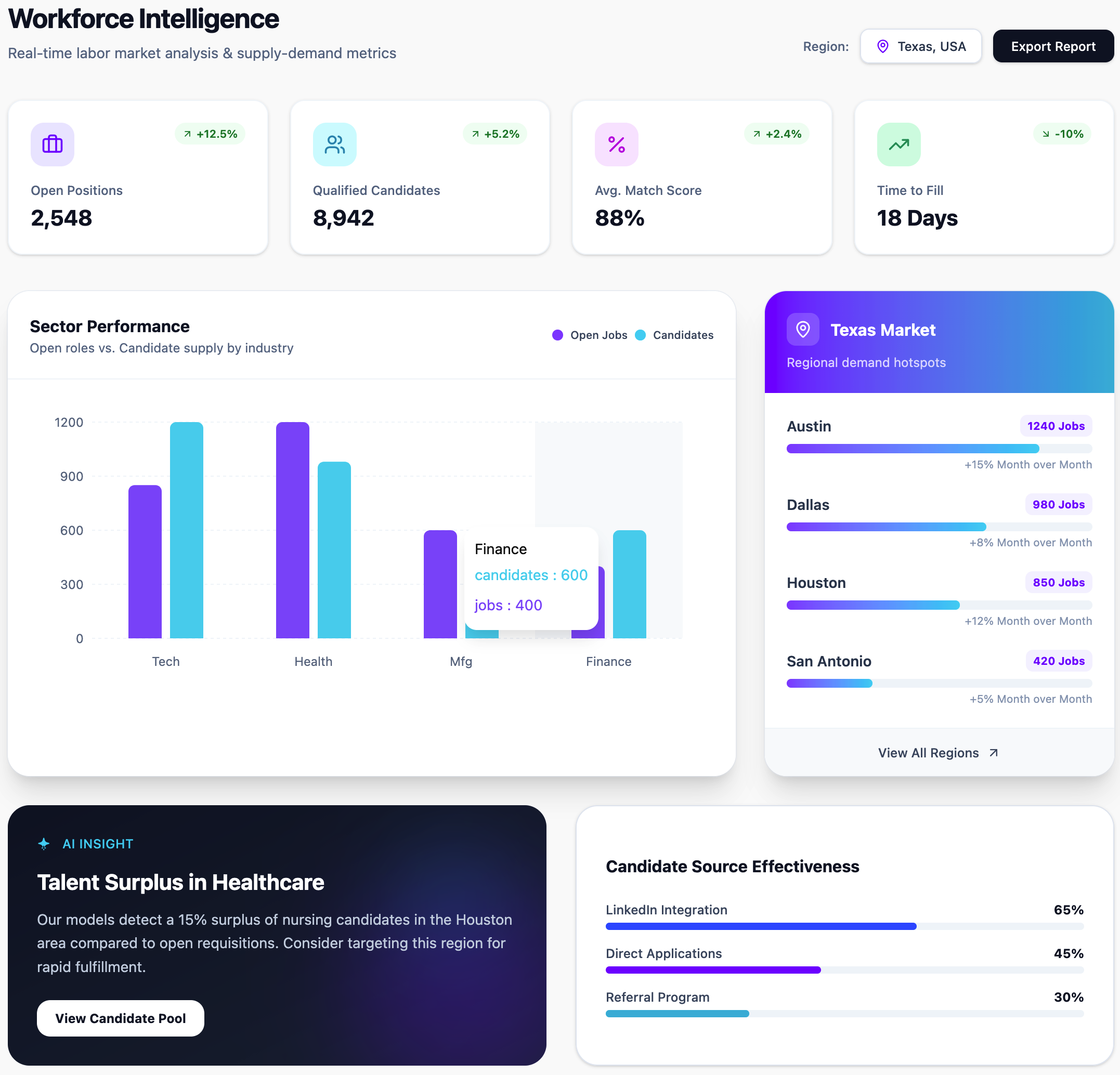
Once a participant is invited to Jobflow, staff can see resume activity, job matches, fit gaps, tailored applications, saved jobs, application progress, employer referrals, and hiring-stage updates in one workflow.
The Situation
A workforce board was providing resume help, job-search workshops, training, and career coaching to participants across the region.
Staff were doing valuable work, but they struggled to understand what happened after services were delivered.
A participant might attend a resume workshop and leave with advice. Another might meet with a case manager and promise to apply to several jobs before the next appointment.
But staff had no easy way to see whether those next steps happened. Participants were searching across multiple job sites. Some were applying directly on employer websites. Some were using the state job bank. Some were saving jobs but not applying. Some were applying to poor-fit roles. Others had interviews but did not report them until much later.
The board could only count services delivered, but it needed better visibility into actual job-search behavior, employment progress, and service gaps to guide programs and budget allocation.
The Challenge
The core challenge was limited post-service visibility.
After a participant received help, staff often had to rely on self-reporting, manual check-ins, scattered notes, and incomplete updates.
That made it difficult to answer basic questions:
- Who is actively searching?
- Who created or improved a resume?
- Who tailored their resume for specific jobs?
- Which jobs were matched to each participant?
- Where do participants have gaps?
- Which participants applied?
- Who has interviews?
- Who is ready for referral?
- Which services are leading to employment activity?
- Which participants need follow-up now?
Without that visibility, case managers had to spend time chasing updates instead of coaching participants forward. And workforce development boards have limited knowledge of employment outcomes.
The Jobflow Approach
Jobflow gives workforce teams a connected view of participant job-search activity from preparation through hiring progress.
Once a participant is invited to access their Jobflow account from the workforce board, Jobflow can track the work happening inside the job-search workflow, including:
- Resumes created or improved
- Resume sections strengthened
- Jobs matched to the participant
- Fit scores and role-by-role breakdowns
- Skills, experience, or credential gaps
- Jobs saved or reviewed
- Resumes and cover letters tailored
- Applications started or completed
- Application status updates
- Interviews, follow-ups, offers, and hiring progress
- Employer referrals from business services teams
This creates a more complete picture of the participant journey.
Career staff can see who is engaged, where they are getting stuck, and what support they need next. Business services teams can see which participants are strong matches for local employer roles. Managers can see which services are translating into job-search activity and outcomes.
Jobflow does not just help participants prepare stronger applications. It gives workforce teams the reporting layer to understand what is happening after support is delivered.
The Workflow in Action
A participant completed a short-term training program and attended a resume workshop put on by a workforce development board.
Before Jobflow, staff might have noted that the participant completed training and received resume assistance. After that, follow-up depended on outreach and self-reporting.
With Jobflow, the staff member invited the participant to the platform where the participant built a stronger resume, added the new training credential, and began reviewing matched jobs. Jobflow showed which roles fit, where gaps existed, and how to tailor the resume for each opportunity.
Staff could see that the participant:
- Updated their resume after training
- Was matched to local employer jobs
- Reviewed several roles with strong fit
- Had gaps around one preferred certification
- Tailored applications for three jobs
- Applied to two employer roles
- Was surfaced as a strong match for one business services referral
- Moved from applied to interview stage
That gave the case manager a much stronger follow-up conversation.
Instead of asking, “Have you applied anywhere?” the staff member could ask:
- “I saw you applied to these two roles. Do you want help preparing for the interview?”
- “This job shows a strong match, but the certification gap may matter. Let’s talk about how to address it.”
- “You were surfaced as a strong candidate for one of our employer partners. Are you interested in being referred?”
- “You tailored your resume for this role. Let’s review it before you submit the next application.”
The conversation shifted from status-checking to targeted coaching.
“Jobflow helped us see what happened after the workshop, after the resume appointment, and after training, so staff could follow up with purpose instead of guessing.”
Business Services and Employer Visibility
Jobflow also connects participant activity to employer referrals.
Because Jobflow matches participants to local employer jobs, business services teams can see which candidates are the strongest fit for specific openings already in the Jobflow system, or for jobs they are working on with an employer partner. Once imported, they can instantly see top-matching candidates, review fit details, understand why each person matches, and decide whether to refer the participant or invite them to apply.
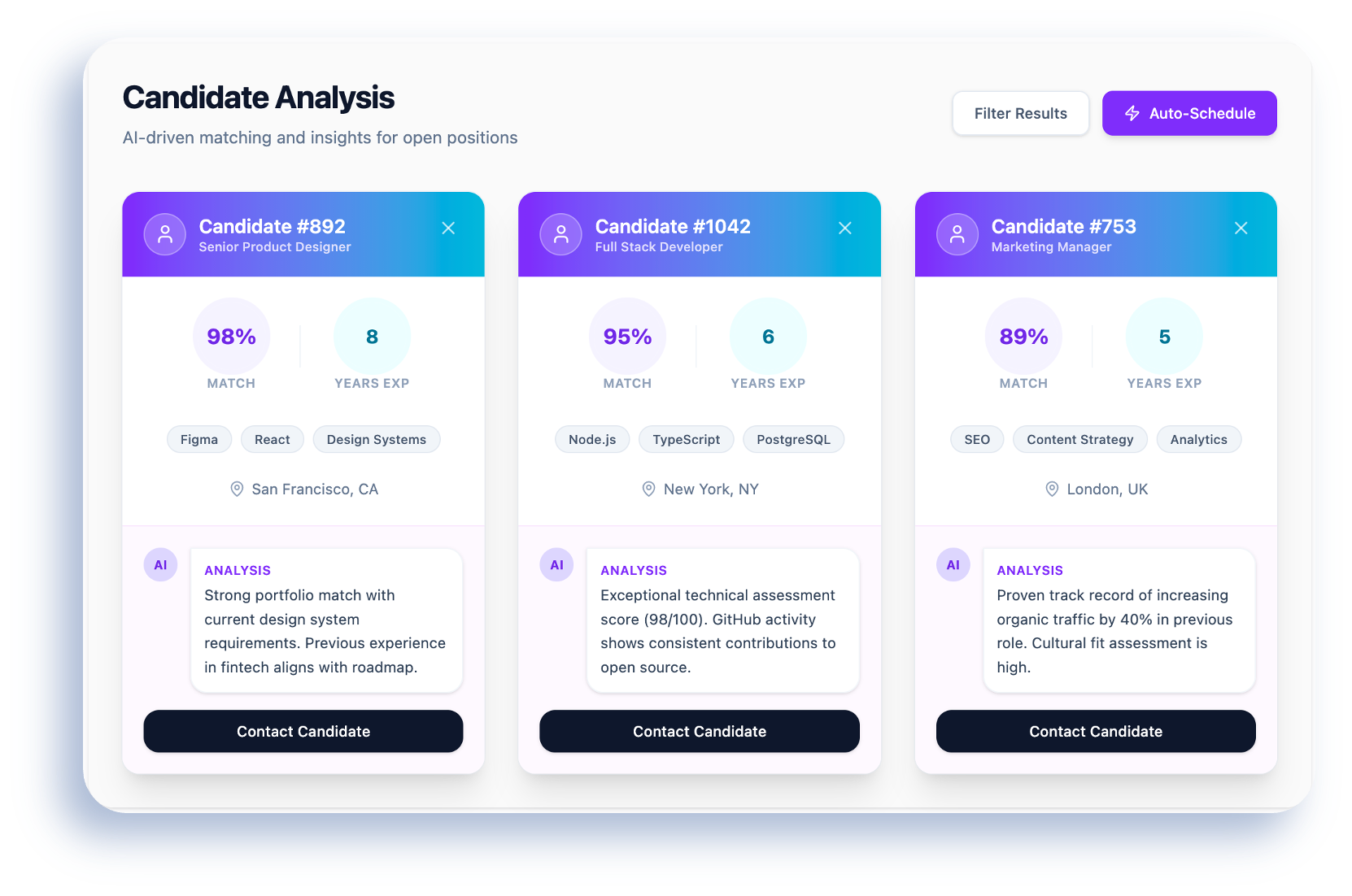
In some workflows, employers can also be invited to the platform where they can see top-matching talent from the workforce board's talent pool and connect to strong-fit candidates directly.
That means the board can track not only whether a participant created a resume or applied to a job, but where they are in the hiring process after being matched or referred.
This helps workforce boards report on a fuller employment pipeline:
Resume created → jobs matched → fit reviewed → application tailored → application submitted → candidate referred → employer contacted → interview → offer → placement
That level of visibility gives staff, managers, and funders a clearer understanding of what is working and makes reporting more outcome-oriented.
The Results
Jobflow helped the workforce board move from fragmented follow-up to structured visibility.
Career staff could see participant activity without relying only on manual check-ins. Business services teams could identify better-fit candidates for employer roles. Managers could report on participant progress with more detail and confidence.
The impact included:
- Better visibility after resume help, workshops, and training
- Easier follow-up for case managers
- Less reliance on participant self-reporting
- Clearer tracking of resumes, job matches, applications, and referrals
- Better identification of participants who need support
- Stronger coordination between career services and business services
- More complete reporting on hiring-stage progress
- Higher documented employment activity and outcomes
- Better insight into which services lead to applications, interviews, and placements
The board could show not just that participants were served, but what they did afterward and the effect of their career assistance, resume workshops, and training programs.
Why It Matters
Workforce boards are often asked to prove impact, but most have limited details they cobble together from a patchwork of systems.
Jobflow gives workforce teams visibility into the missing components, connecting career preparation, job search, application quality, employer matching, referrals, and hiring progress in one workflow.
That helps boards serve more participants, support them more precisely, and report stronger outcomes with more granular evidence.
___
Give workforce teams a clear view of participant progress from resume support to employment outcomes. Try it out for free, or let's set up a demo to discuss how we can improve visibility, follow-up, and employment outcome tracking.
Jobflow helps boards track resumes created, jobs matched, applications tailored, employer referrals, hiring progress, and what is actually working across the region.


Related posts
Browse all posts


